Array
(
)

Removing test debt in Mendix: why AI-assisted test creation changes the game

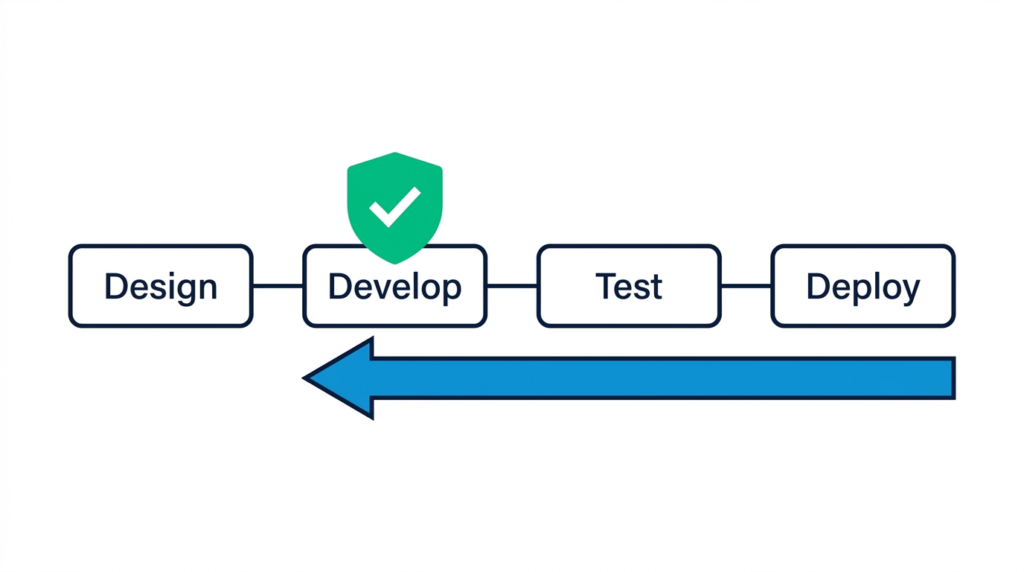
shift-left-roi

The test debt dilemma in mature Mendix apps

Why setting up tests by hand was the main reason teams fell behind

If you’ve been building apps in Mendix for a while, this story will sound familiar.

A project starts as a small internal tool. Over three or four years, it grows into a core business application with dozens of modules, complex billing logic, and multiple integrations. The app works, but test coverage is sparse. Whenever you need to refactor a core flow or prepare to upgrade from Mendix 9 to Mendix 10 or 11, everyone gets nervous because there is no reliable regression safety net.

Why didn’t the team build automated tests in the first place?

The honest answer: “it was just too much manual work.”

In MTA 3.1 and earlier, the test execution engine did its job well. It ran microflows directly and rolled back database transactions so test data didn’t pile up. But creating those tests meant clicking through the web UI for every single test case: adding steps, selecting entity types, and typing in parameter bindings and assertion rules one by one.

When you have a backlog full of new user stories, spending three months manually clicking through forms to set up regression tests is rarely an option. So test debt piled up.

From manual configuration to AI-assisted generation

Cutting test creation time from hours to minutes

With MTA 3.2, we’ve connected MTA to modern AI assistants via the open Model Context Protocol (MCP). Menditect delivers not only MCP tools for MTA, but also ready-to-use agentic test skills via our public GitHub repository (Menditect/agentic-test-skills), the Mendix Marketplace, and an open source template for workspace configuration with MTA MCP, MTA plugin MCP, and mxcli or Studio Pro MCP at Menditect/agentic-test-tools. The goal is simple: let the AI handle the repetitive setup so you can actually get your app tested.

The Old Way (Manual MTA Setup) The New Way (AI-Assisted MTA Generation)
Manual clicking: Create suites, add test steps, select entities, and type in parameters and assertions by hand. Model-driven AI generation: The AI assistant inspects the microflow and calls MTA tools to set up steps and variations automatically.
High barrier for older apps: Building a regression baseline for a mature Mendix 9 or 10 app took weeks or months of manual work. Realistic legacy coverage: You can generate a solid regression suite for critical flows in days, making pre-upgrade testing realistic.
Tedious maintenance: When microflow parameters change, you had to manually update every affected test step. Quicker updates: Prompt the AI with the updated microflow to adjust parameters and assertions to match the new model state.
Setup time: 1 to 2 hours per complex microflow test suite. Setup time: under 10 minutes for a complete suite with multiple variations.

When documentation is outdated, look at the model

How visual models give AI the context it actually needs

When designing tests, having clear user stories or acceptance criteria is always useful. If you have those documents, you can include them in your prompt so the AI understands what the feature was meant to do.

But in older Mendix apps, original documentation is often incomplete or outdated. In text-based stacks, missing documentation makes test generation risky because the AI has to guess what implicit code contracts mean.

In Mendix, you have a major advantage: “the visual model is the real source of truth.”

Every entity, attribute constraint, decision fork, and rule validation is explicitly defined in your .mpr project file. Using the Mendix CLI (mxcli), or the native Studio Pro MCP server available in Mendix 11.12 and higher, the AI can inspect the exact microflow structure in a read-only way:

  1. It reads the microflow activities, loops, and decision splits directly from the model.
  2. It identifies the happy paths, error conditions, and boundary values.
  3. It sets up working test cases in MTA with proper assertions.

This makes it practical to build regression tests for older Mendix 9 or 10 apps before starting a major upgrade to Mendix 10 or 11.

Full-spectrum testing and clean test data

Covering unit, process, and UI levels with automated rollbacks

MTA isn’t just a unit testing tool or a browser recorder. It lets you test across the entire application stack:

  1. Unit testing: Check individual microflows, expressions, and sub-microflows.
  2. Component testing: Test business rules and logic within a specific module.
  3. Backend process testing: Test end-to-end multi-microflow workflows and integration calls.
  4. UI testing: Automate browser interactions and page checks using our Playwright integration.
Test data seeding and automatic cleanup

Anyone who has automated tests knows that managing test data is often half the battle. MTA handles this directly:

  • Data seeding: Tests can automatically create the necessary test objects and associations before running a test.
  • Automatic rollbacks: Tests run inside controlled transactions that automatically roll back. Changes made during the test don’t persist, so your database stays completely clean without manual cleanup scripts.

Sensible economics: generate once, run forever

Keeping AI costs low and test runs fast

Using AI shouldn’t mean taking on unpredictable monthly subscription bills or high token costs:

  • No AI needed for CI/CD runs: You use your AI assistant “once” during development to generate the test cases. Once saved in MTA, your tests run natively at compiled speed in your CI/CD pipelines with “zero ongoing AI token costs.”
  • Two-tier model strategy: You can use a smart reasoning model (like Claude Sonnet or Gemini Pro) to analyze the logic and plan the test, then let a fast, inexpensive model (like Gemini Flash or Claude Haiku) execute the tool calls to configure the steps in MTA.

What this means for your team

  • For developers: Build thorough test suites for complex microflows in minutes without leaving your editor.
  • For testers: Set up repeatable tests across unit, process, and UI levels with built-in data seeding and rollbacks, without writing custom code.
  • For product owners and IT leads: A practical way to eliminate test debt on older Mendix 9 or 10 apps and de-risk major platform upgrades.

Mendix builds the future; Menditect ensures it works.

MTA 3.2 is coming out in a few weeks. If you want to see how it works on real Mendix microflows, check out these sessions:

See MTA in action:

Dick van Gorkum

Get in touch with Menditect

Fill out this form and we answer your question or help you out.

Menu